
Tuesday, January 14, 2014
Visualizing Google Drive
Watch this short video to help you understand Google Drive and the cloud concept. This video takes you through the basic workings of Google Drive, along with an introduction to an advanced feature called Doctopus. There is much more than the video shows, but hopefully it serves as a starting point, something to help get the ball rolling for you and Google Drive. I believe Google Drive would be a very dynamic and valuable tool in student learning if the students had more devices. Click the "Google Drive" tab above to access many short Google Drive tutorial videos to help you get started.

Monday, January 13, 2014
A few Resources to Browse
 Sharemylesson.com is a resource website worth looking at. It is a website that provides an online sharing community of teachers and lesson plans. It is free to join. You can create an account and browse/save lessons. You can also "follow" other teachers so whenever they post something new, you will get notified. To find lessons, simply use the search box and the most relevant items will pop up based on your search. This is a good website to find ready made lesson plans or to get ideas of lessons that you can modify/adapt to what you are doing in your own class.
 Ducksters.com is another great resource that provides informational text on a wide variety of topics. The articles are designed for elementary/middle school. In addition to the informational text, there are some games that you could offer as a motivator or reward.
French and Indian War Interactive: Searching "interactives" is another way to find engaging activities that the students can do online. My daughter has been learning about the "French and Indian War" in social studies, so I searched for an online interactive tool to help her learn and understand this topic. Add "interactive" behind any topic you are searching for and see what is out there.
Lessonplanet.com is another great resource site with thousands of lessons and ideas. Unfortunately, this website is not free. It costs a little over $4 per month.
Teacherspayteachers.com is a unique website that offers many resources made by teachers throughout the country. It is also a place for teachers to share/sell lessons they have created. It is free to join the site but it costs money to download lessons that you want to use.
Friday, January 10, 2014
The wondrous Pizza Bagel
Is there such a food out there that makes one forget about all their problems? Is there a food that takes one out of reality and into a dream world of flavor and deliciousness? Is there a food that hypnotizes the mind and soul? The answer: Yes. A most emphatic Yes. It is called the Pizza Bagel and it is a wondrous combination of flavor and awesomeness. The Pizza Bagel can be bought at Bagel Boy in Sioux Falls, SD. Upon entering Bagel Boy, I walk with a spring in my step over to the counter and peer into the bagel rack to make sure they have the "Everything Bagel" which is by far the best type of bagel to use for the Pizza Bagel. One time, I walked into Bagel Boy and the worker informed me that the Everything Bagel was out for the day, I couldn't believe it. I put my head down and did the zombie shuffle out the door and into my truck, where I sat for 10 minutes and cried. I drove straight home and sat in a dark room, depressed for three days. When ordering the Pizza Bagel, make sure the worker puts a pepperoni over the hole in the bagel because then the sauce will not leak out the hole and fall onto your pants, making a slightly embarrassing stain on your trousers. I like to go to Bagel Boy, order a Pizza Bagel and then sit by myself in the corner of the restaurant and enjoy the delicious, flavor packed wonder that is the Pizza Bagel. It is best to sit alone, away from the other people because they often give odd glances of confusion as I sit there, eating with a giant smile plastered across my face the whole time. Upon first bite, the combination of cheese, sauce, pepperoni and the multiple flavor crystals of the Everything bagel such as onion, poppy, garlic, etc. makes my taste buds overflow like the Nile river. Each time I am fortunate enough to make it to Bagel Boy, I order a cinnamon crunch bagel with cinnamon and sugar along with my Pizza Bagel because when the Pizza Bagel comes out of the toaster, it is too hot to eat, so the cinnamon and sugar bagel serves as a nice little appetizer while you wait for the Pizza Bagel to cool. Eating the Pizza Bagel when it is too hot is one of the worst things a human can do because one can not enjoy all the flavor if it's too hot. So be patient. Dig down deep to find the inner strength to wait for it to cool off. Once it has reached the appropriate temperature, though, tear in to that thing with reckless abandon. So, next time you are in Sioux Falls or any city with a Bagel Boy, stop in. Order up a Pizza Bagel on the Everything Bagel. You will be glad you did.

Wednesday, January 8, 2014
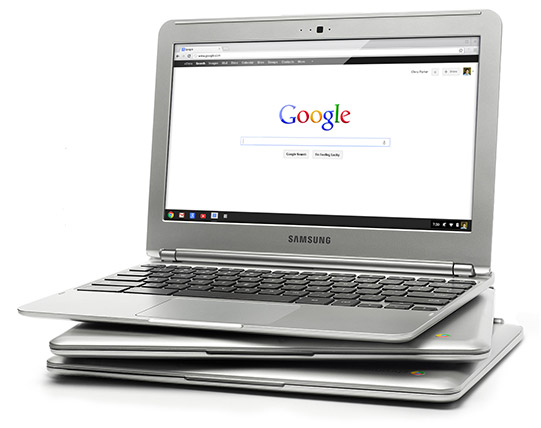
Google Chromebook Touch Screen and ChromeCast
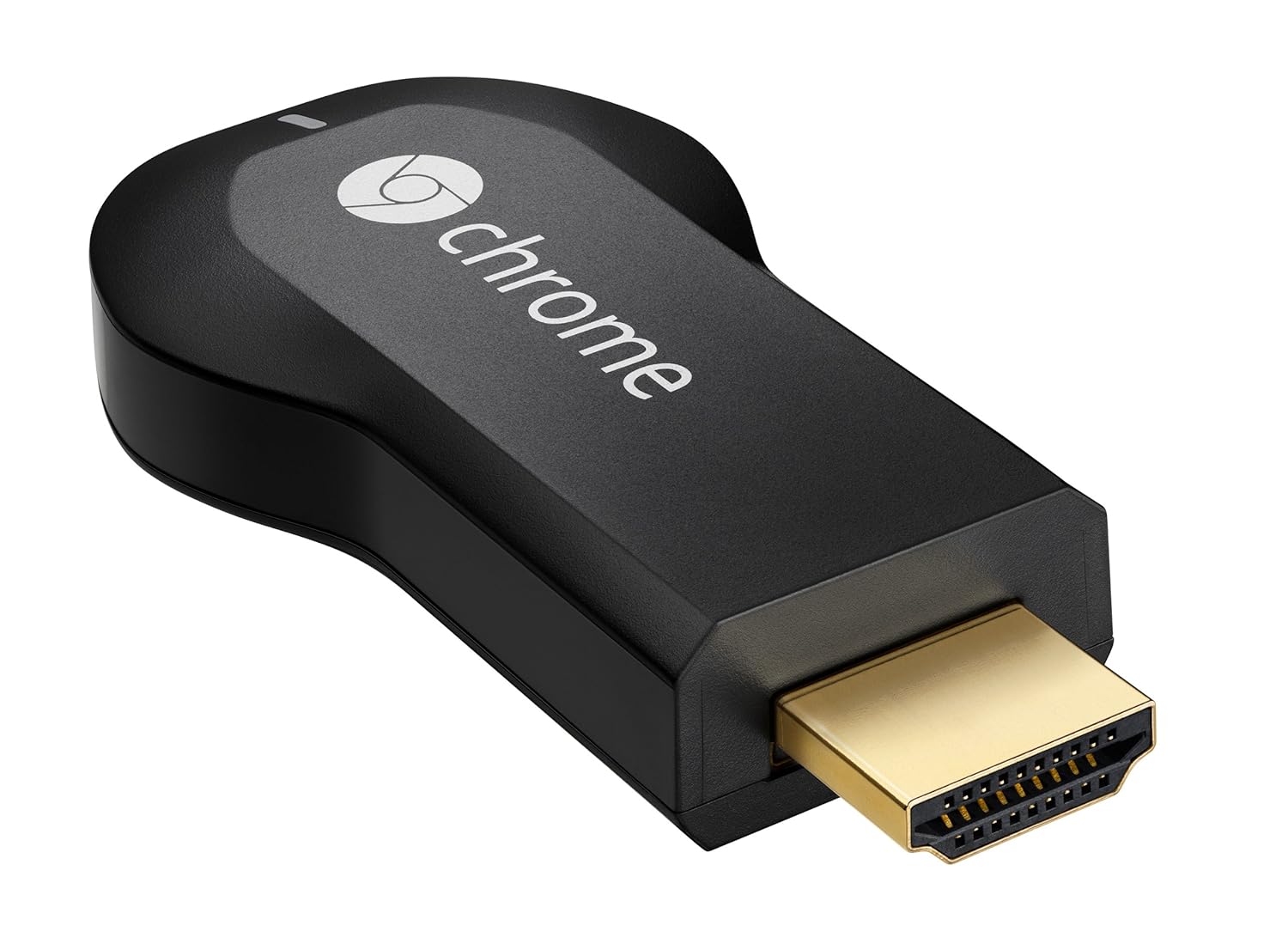
Also, I just thought I would add that if you are looking to buy an awesome gadget to make your life a lot better, get a Chrome Cast. Chrome Cast only costs $30 and it allows you to watch things on your television through your smartphone, tablet, or laptop (using Chrome Browser). There is no reoccuring cost. Just a one time purchase. The Chromecast plugs into an HDMI port on your television. Once the brief set-up is complete, your laptop, tablet or smart phone will have the "chrome cast icon" which you simply press to project to the television. It's pretty awesome. Great for watching Netflix or HBO GO on your television. You can also watch YouTube, Hulu, etc.
Tuesday, January 7, 2014
Techno.ED Supports the Troops
What better way to ring in the new year than thanking the men and women who keep this country free? What better way to thank those that have paid the ultimate sacrifice when they laid down their lives to protect ours? Though this website is focused on tech tools and strategies in education, we are all free Americans and for that, we should be very thankful. If you happen to be out and about and see a soldier in uniform, be brave enough to go up to them and thank them, whether they are in perilous situations on the front lines, or do not encounter any danger, they have still made the choice to bear arms and fight for our country. They have chosen to be away from their family in order to protect ours. The video below, I believe, makes the sacrifice more real to us. It shows the raw emotion of being away from loved ones, and the joy of being reunited. The video also makes one think about all the men and women who will never get that reunion. We salute the troops and say a big "Thank you!" to all who serve or who have served in the past.
Wednesday, January 1, 2014
Google Drive: An argument for 1:1
When finished, they "shared" their assignment with me, essentially sending it from their cloud to my cloud. This is simply done with two clicks of the mouse and entering my Google Drive name. Once it's in my cloud (Google Drive), I can access their document anywhere: home, school, I even read through AND provided feedback on some of their assignments while waiting for an oil change with my iPhone. Once they shared it with me, I could open their document, read it, and actually write feedback and their grade right on their document. It takes SO much less time reading their writting via typing, as opposed to their hand writing. Most of us can type faster than hand write, so once again, providing feedback is done in a more time effecient way. "Shareing" isn't just done from student to teacher. It can be done from student to student. Provided with their partners google drive name (which is their k12 email address), students can "share" a document with their partner, which provides an enriching collaborative experience because they can work on the same project, at the same time, but at their own computes, either sitting in my class or sitting at their own homes.
The example above is just one of many. With our limited availability, I had my students create a document in their Drive (cloud) account to give them a spot to save helpful websites in researching their Wax Museum characters. If they find a good website, what do they do with it? Write down the long URL in their planner and never be able to access it again? Write it in their notebook? A notebook is lose-able. I also had them create folders for their other classes, in hopes they would use their Drive for those as well. These examples are merely examples of Google Drive on the surface. Good Drive is designed and meant for much deeper things.
It would be so exciting to see what teachers could come up with if they were allowed to think, plan and teach with Google Drive on a daily basis.
The example above is just one of many. With our limited availability, I had my students create a document in their Drive (cloud) account to give them a spot to save helpful websites in researching their Wax Museum characters. If they find a good website, what do they do with it? Write down the long URL in their planner and never be able to access it again? Write it in their notebook? A notebook is lose-able. I also had them create folders for their other classes, in hopes they would use their Drive for those as well. These examples are merely examples of Google Drive on the surface. Good Drive is designed and meant for much deeper things.
It would be so exciting to see what teachers could come up with if they were allowed to think, plan and teach with Google Drive on a daily basis.
Friday, November 22, 2013
JFK. 50 Years. Remember.

Wednesday, October 9, 2013
Classmint: An option for note-taking and sharing

I have posted an example of classmint notes below. If you click on the link, you will see some "notes" that I made about the rise of Mesopotamia as a powerful civilization. I would provide this to my students as a review tool, as we have already discussed these "events" of Mesopotamia. The students can click "fold" and the note will fold over so the "answers" are covered up. Some might say, "Why can't they just use their paper? Why do we need this?" The answer is simple: the ability to share and edit together is a big thing. Also, having the "notes" on the internet makes it easily accessible anywhere, even on the way to practice or grandma's house. Check out classmint and perhaps you could find a couple other ways to use this in your classroom and help to integrate more technology into your curriculum.
Wednesday, October 2, 2013
Teachem: A tool to make YouTube videos more dynamic
YouTube is a great learning tool, especially as we move to self-paced, mastery learning and hopefully 1:1 sometime in the next five years. YouTube allows students to watch videos on their own and go at their own pace. It is especially helpful for the visual learner. It is something they can pause, rewind and re-watch to make sure they understand the content. Simply posting a video for your students to watch is a good thing, but we can make it even better with "Teachem."
Teachem is a free tool that allows you to incorporate flashcards into a Youtube video. As the student watches the YouTube video, flashcards will be visible on the side of the video for students to think about and respond to as they watch. When creating a teachem project, you first find a youtube video. It can be one that you made or one that already exsists. After selecting the video you want, you can set flashcards to certain times of the video. If the student clicks the flashcard, the video automatically goes to that spot in the video. This is a way we be more focused with our videos and help our students narrow in on what we want them to get out of it.
To share your Teachem Youtube video, you can provide a link or embed the HTML code so no clicking is required. (except "play" of course.)
Teachem is a free tool that allows you to incorporate flashcards into a Youtube video. As the student watches the YouTube video, flashcards will be visible on the side of the video for students to think about and respond to as they watch. When creating a teachem project, you first find a youtube video. It can be one that you made or one that already exsists. After selecting the video you want, you can set flashcards to certain times of the video. If the student clicks the flashcard, the video automatically goes to that spot in the video. This is a way we be more focused with our videos and help our students narrow in on what we want them to get out of it.
To share your Teachem Youtube video, you can provide a link or embed the HTML code so no clicking is required. (except "play" of course.)
Tuesday, October 1, 2013
Use Blendspace to create and share digital content
Edcanvas is a great tool to share digital content with your students online. However, Edcanvas has changed and is now called "Blendspace." With Blendspace, you can create a free account and customize how/what you share with your students digitally. With the amount of time our students spend online each day, let's use that. Blendspace gives you many options to push out digital content, pictures, video, information, powerpoints, etc. You can also create quizzes for them to take after navigating the content on your specific Blendspace. In creating your blendspace project, you can pull from flickr, google, youtube, vimeo, drop box, google drive, and many other places. It is a free tool with loads of possibilities.
Above is an example of some of the things you can do/create with Blendspace. You can share your creation via link, embed code, email, twitter, facebook, or even get a QR code! (QR code is a black and white box that looks like a t.v. when the channels don't work. Ant race, you might call it.)
Use Blendspace to provide your students with resources/learning tools they can use/access anywhere with internet. The learning is not just in the classroom or at the home anymore. Learning can be done on iPhone on the way to practice, waiting in line at Wal-Mart, or via their X-Box 360.
Subscribe to:
Posts (Atom)